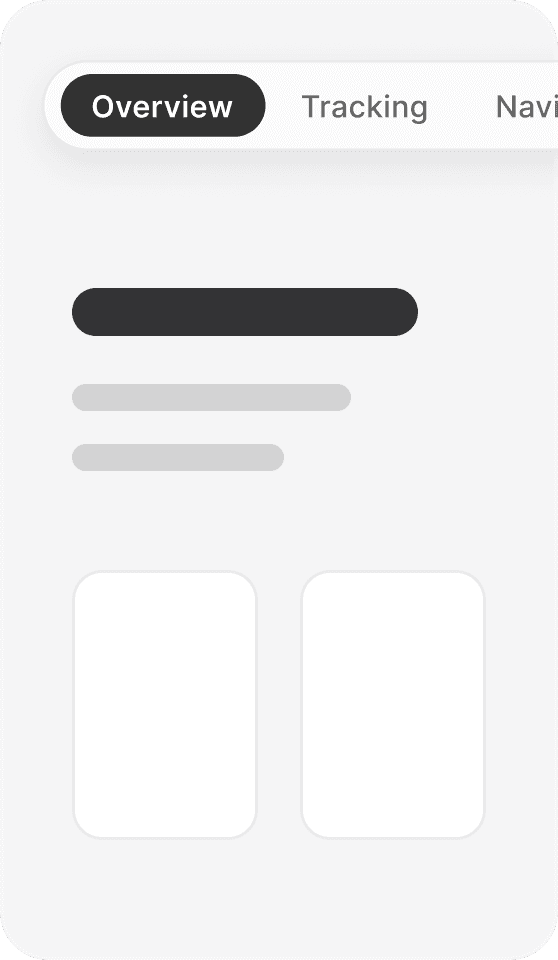
Live component demo

Live component demo

ScrollSpy Navbar Pro

ScrollSpy

Navbar Pro

ScrollSpy Navbar Pro

A navbar that always knows where you are.

A navbar that always knows where you are.

A navbar that always knows where you are.

Scroll the page or choose a section above to see the active pill follow along.

Scroll the page or choose a section above to see the active pill follow along.

Try the navbar

Try the navbar

Tracking

The pill follows your scroll.

The pill follows your scroll.

Position-based tracking updates the active item as each section reaches the upper third of the viewport.

Position-based tracking updates the active item as each section reaches the upper third of the viewport.

Robust by design.

Keeps tracking correctly with smooth-scroll libraries and custom scroll containers, where observer-based navs silently fail.

Short-section aware

A final section that never reaches the trigger line still activates the moment it is fully in view.

Zero idle cost

Position checks only run while the page is actually scrolling. A still page costs nothing.

styling

Every detail is a sidebar control.

Every detail is a sidebar control.

The same component, five presets. No code, just sidebar values.

The same component, five presets. No code, just sidebar values.

Studio Light

The Default

Midnight

DarkSites

Ghost

No visible bar

Signal

Accent-led

Soft Contrast

Inverted

responsive

One bar, every screen.

One bar, every screen.

Sizing tightens on tablet and phone. On small screens the bar scrolls sideways, with no visible scrollbar.

Sizing tightens on tablet and phone. On small screens the bar scrolls sideways, with no visible scrollbar.

Desktop

Desktop

Tablet

Tablet

Mobile

Mobile

setup

Two minutes, three steps.

Two minutes, three steps.

1

Add IDs to your sections

Select each section frame in Framer and give it an ID: home, about, projects.

2

Match them in the sidebar

Add a nav item per section and type the same ID into its Section ID field.

3

Publish

Tracking and smooth scroll run in Preview and on your live site.

Items can also link to other pages. Set an item's Type to Page and pick the destination.

Create a free website with Framer, the website builder loved by startups, designers and agencies.